1

Upload a photo
Your original image always remains the source.
See yourself with a new hairstyle before visiting the salon. Upload a photo and describe what you want in your own words.

Bob, bangs, short, long or wavy hair: choose an idea, describe it in your own words, or add a reference you like.
These are only examples. You can describe any hairstyle or add a reference photo.
Here are a few ideas. You can describe any shade or coloring technique in your own words.
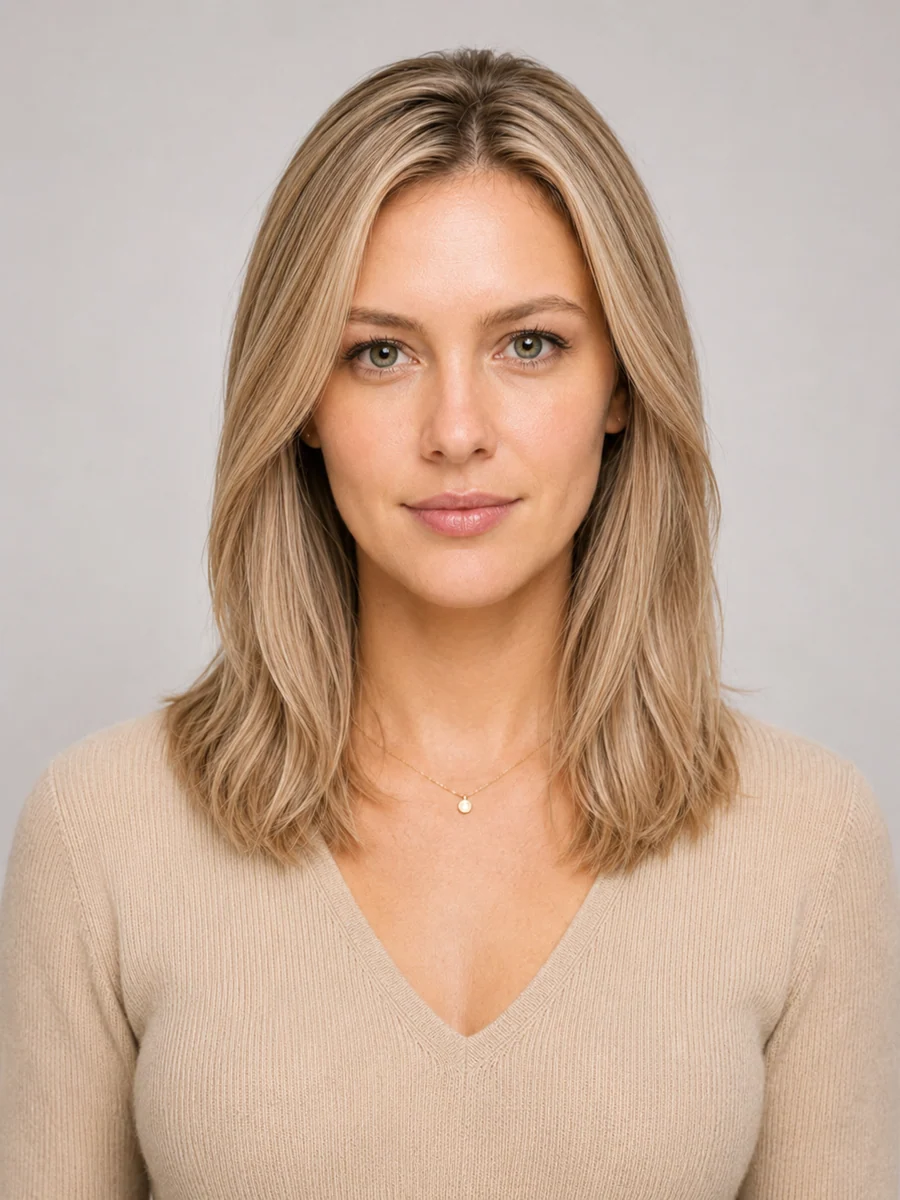
«Make my hair cool blonde. Keep the hairstyle and length unchanged»
These are only examples. You can request any color or coloring technique.
Strong filters, hats or covered hair can reduce accuracy.
Your original image always remains the source.
Use your own words and add a reference photo if you have one.
Download your favorite version and show it to your stylist.
Besides hairstyles, RenderAI helps with interiors, clothing, photo enhancement and other visual tasks.
No. Describe it in your own words, such as a chin-length bob, longer hair or light bangs.
It should not. Only the hair should change while your face and the rest of the photo stay the same.
Yes. Add a reference photo to show the length, shape, bangs or styling you want.
A front-facing or nearly front-facing portrait with clearly visible hair and even lighting works best.
Yes. For example: make it a short bob in cool blonde.
Yes. You can download the result and bring it to your consultation.
Register to receive 3 free generations. You can use them for any RenderAI task. View pricing.